Frequently Asked Questions (Q&A)
F1: What vehicle models does this OBD-II diagnostic tool support? Can I use it in my car?
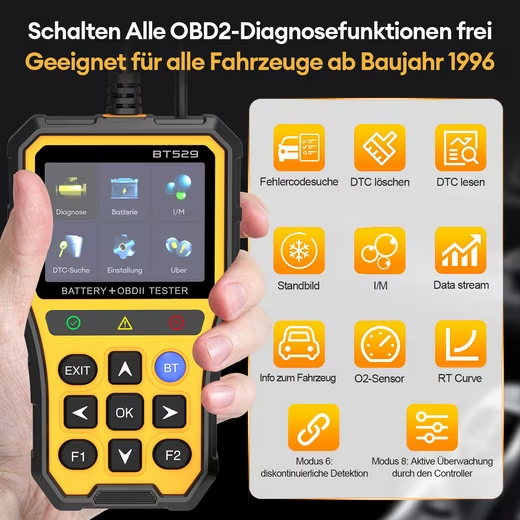
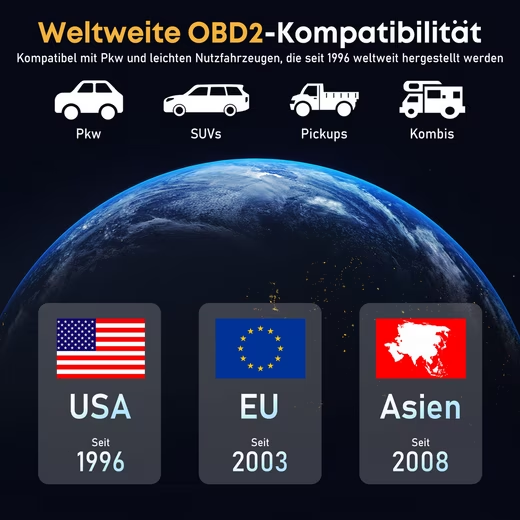
A1: This device supports all gasoline vehicles built from 1996 onwards that meet the OBD-II standard, as well as most diesel vehicles built from 2007 onwards. It covers common American, Japanese, European, and U.S. sedans, SUVs, and light commercial vehicles. All you need is a standard OBD-II interface on the driver’s side (usually below the steering wheel).
F2: Is the mobile app free? What advanced features does it offer?
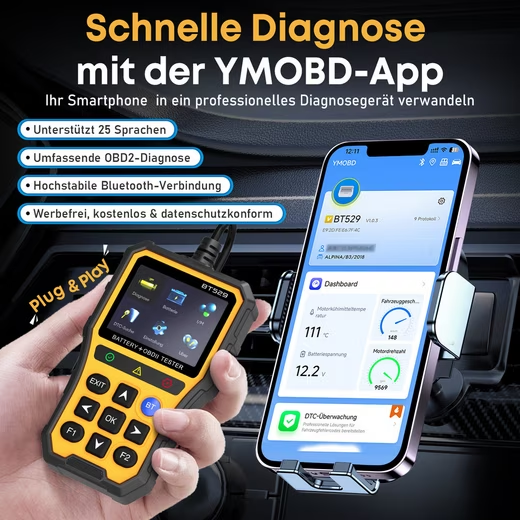
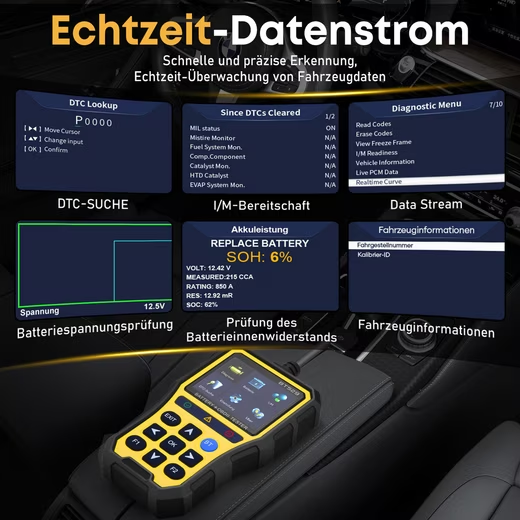
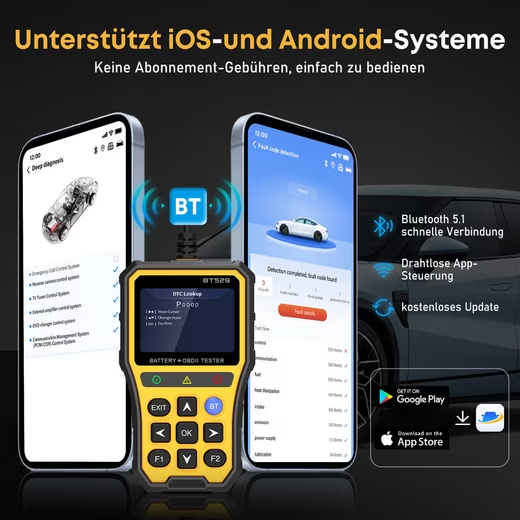
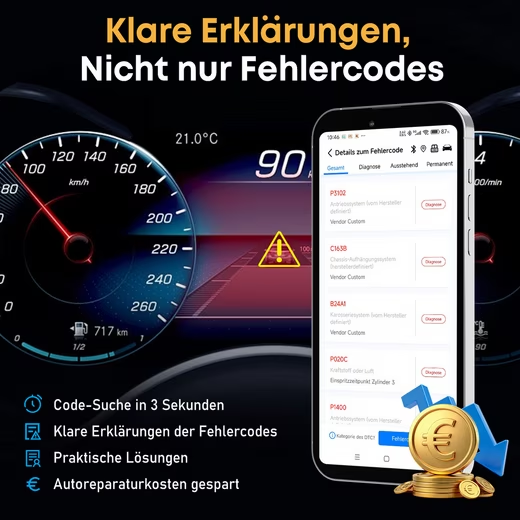
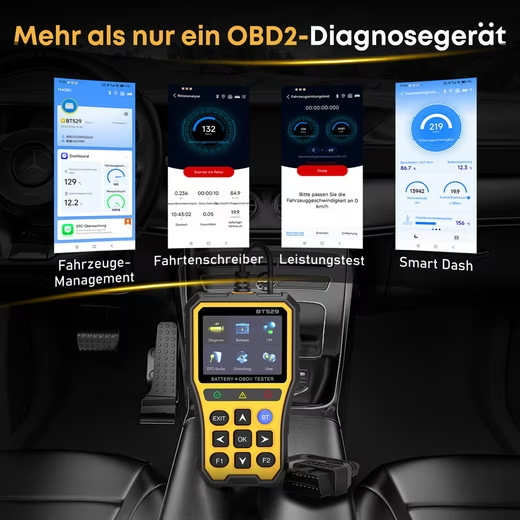
A2: The associated app can be downloaded and used free of charge. Key advanced features include: read/erase fault codes and check engine lights, real-time analysis of battery health and battery life, monitoring of the entire vehicle data stream, oxygen sensor testing, driving data recording and trip analysis, and professional diagnostic reports. These features go far beyond those of the standalone device.
F3: What is the difference between monitoring battery health and measuring voltage with a traditional multimeter?
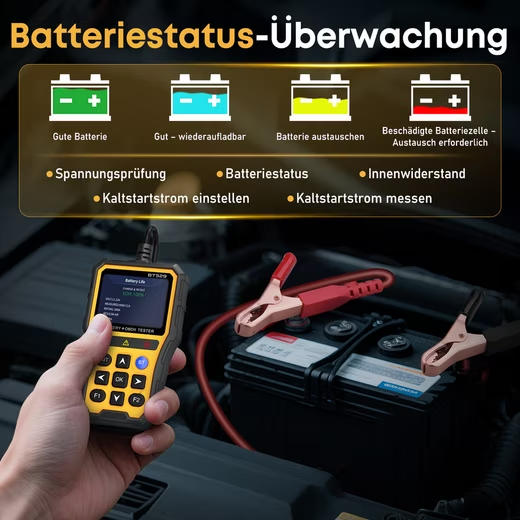
A3: Standard voltage measurements only show the instantaneous voltage. Our proactive condition monitoring, on the other hand, analyzes the battery’s internal resistance, cold-start current, charge/discharge curves, and historical data via an app to comprehensively determine its actual capacity and remaining life. It can provide early warning of battery deterioration weeks in advance, enabling preventative maintenance.
Q4: As a layperson, can I understand the results of the vehicle fault diagnosis and fix them myself?
A4: Absolutely. This OBD2 diagnostic tool and accompanying app are user-friendly and easy to understand for car owners:
Error code analysis: Not only are the codes displayed, but clear and concise explanations of errors are also provided.
Battery Report: Directly displays the battery health (“Good”, “Charging Required” or “Replacement Required”).
With clear information, you can determine the severity of the vehicle malfunction and decide whether to replace the corresponding defective parts yourself or inform the workshop accurately to avoid misinformation.
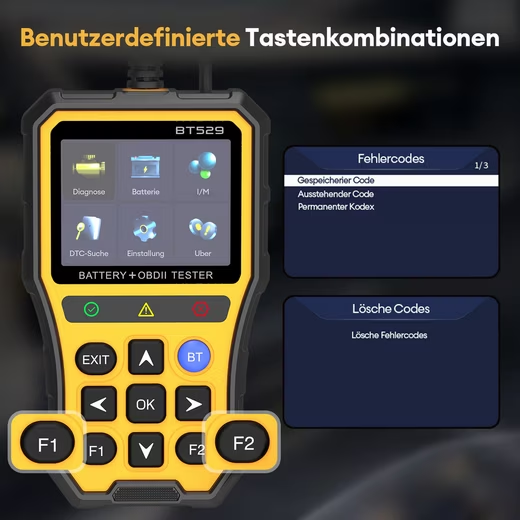
Q5: What are the customizable quick access buttons for?
A5: Customizable shortcuts let you set your most frequently used functions (such as Read Error Codes, Clear Error Indicator, and Battery Test) as shortcuts. You no longer have to navigate through multiple menus; a single button is sufficient for diagnosis, which significantly increases efficiency.
Details
Product details
| Readout of |
Pending codes
Read live data MIL
status
DTC query
Still image
Oxygen sensor detection
Vehicle information
I/M readiness test |
| Facilities |
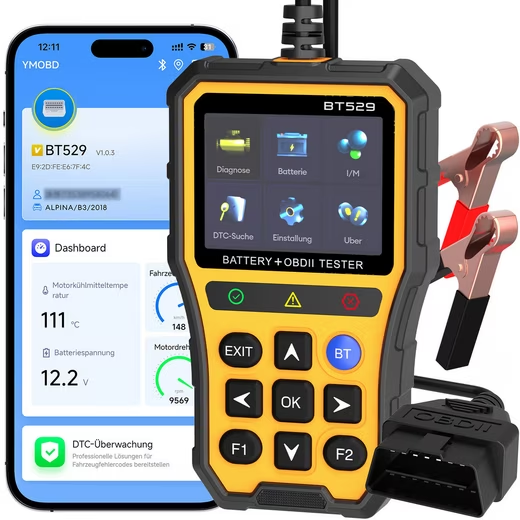
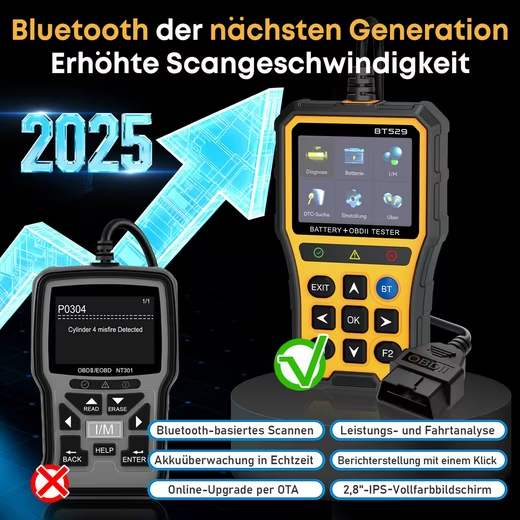
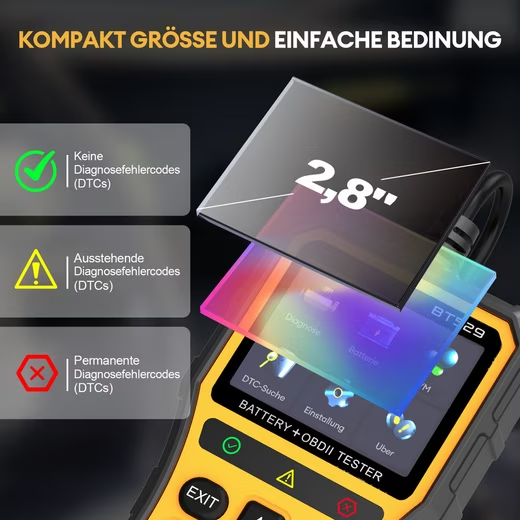
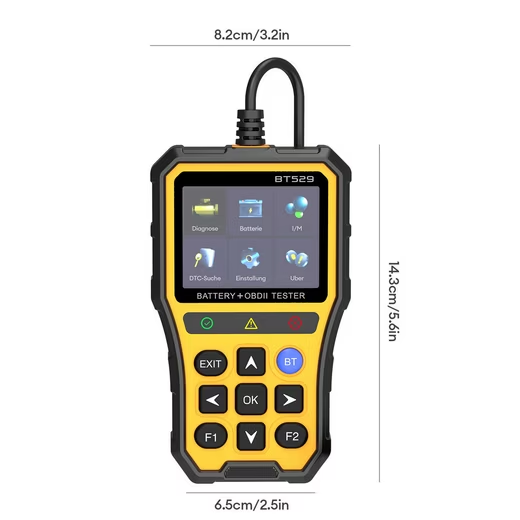
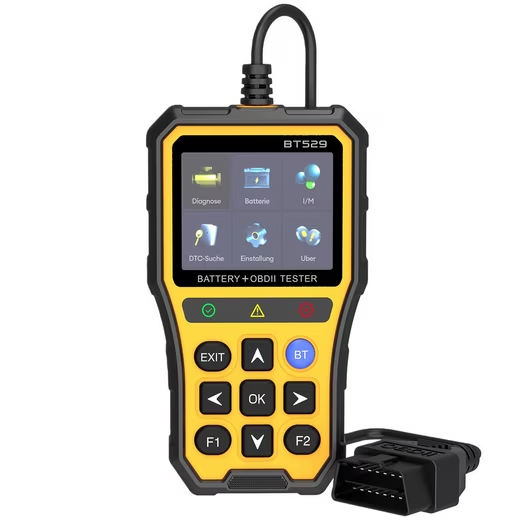
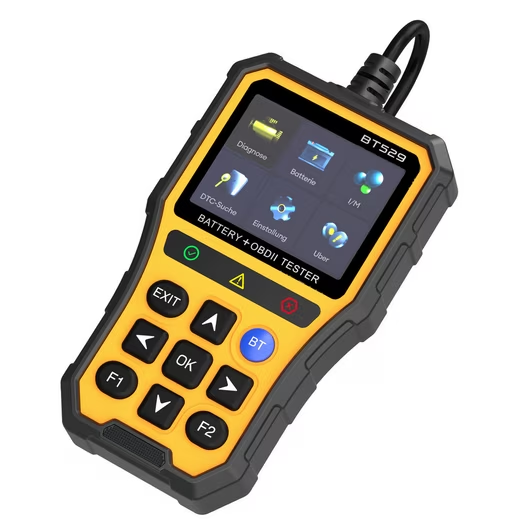
Automatic backlight; Beep; 2.8 inch IPS LCD color screen; Customizable quick access buttons; TPU Protective Case |
| Kind of warning signal |
Beep |
| Display technology |
LCD |
| Application area |
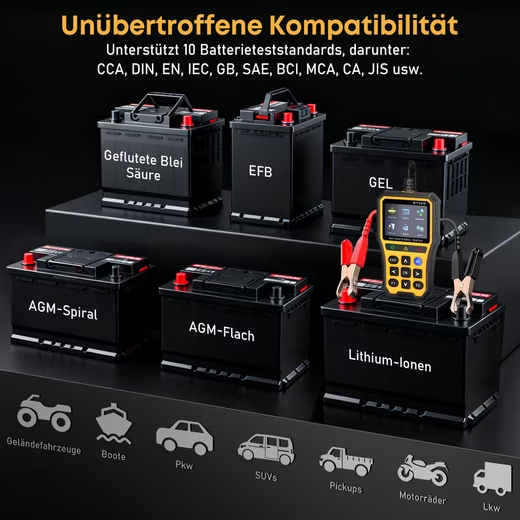
Car
Truck
SUV
Hybrid Vehicles |
| Compatible Operating Systems |
Android
iOS |
Power supply
| Type Plug |
PIN |
Dimensions
| Weight |
420 g |
| Display size |
2,8 “ |
| Wide display |
6.5 cm |
Colour & Material
| Color |
yellow |
| Material Display |
LCD |
Remarks
| Manufacturer’s warranty |
2 years |
| Scope of Delivery |
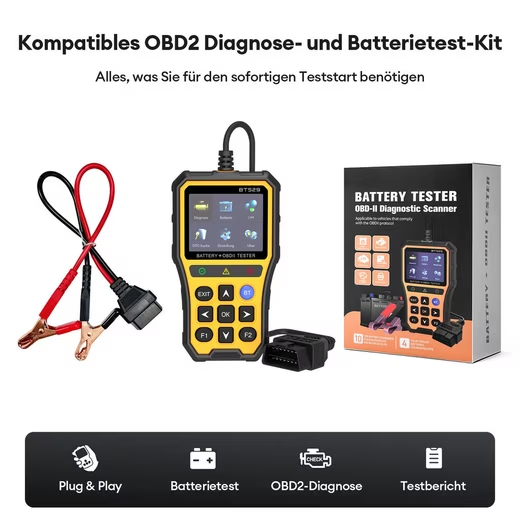
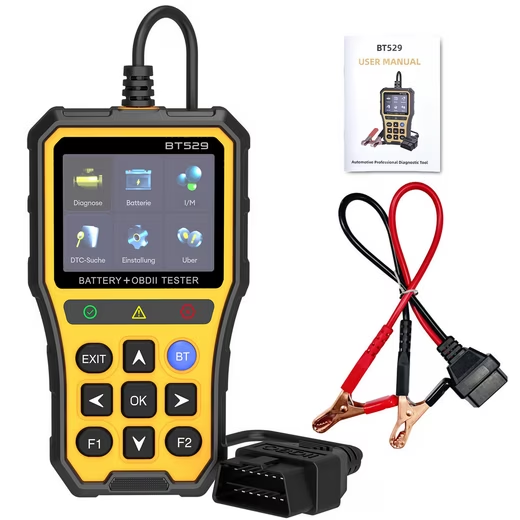
OBD2 diagnostic device; Battery clip; Instruction manual |
| Installation Note |
Plug and Play |
| Languages Instruction manual |
German (DE) |




Reviews
There are no reviews yet.