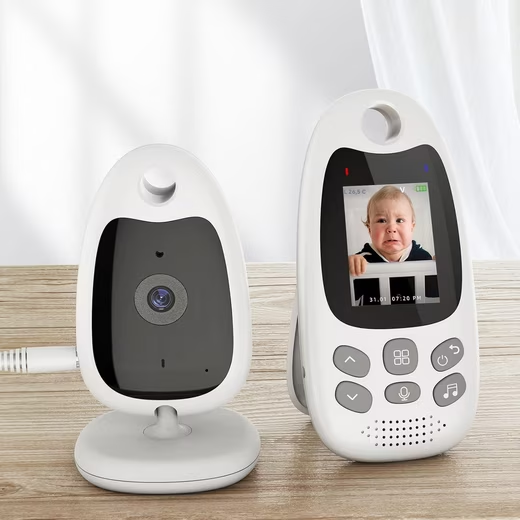
- Since launching our first product in September 2015, BOIFUN has been dedicated to developing top-quality monitoring products for consumers and businesses. We have solid expertise in manufacturing high-quality baby monitors that meet the stringent requirements and needs of both the institutional and home care markets.
- We have studied the needs of our customers in various countries. After thousands of tests and dozens of design revisions, we finally developed this portable baby monitor. Its minimalist design combines a variety of practical features that make caring for babies easier for parents. It would be our pleasure to serve you.
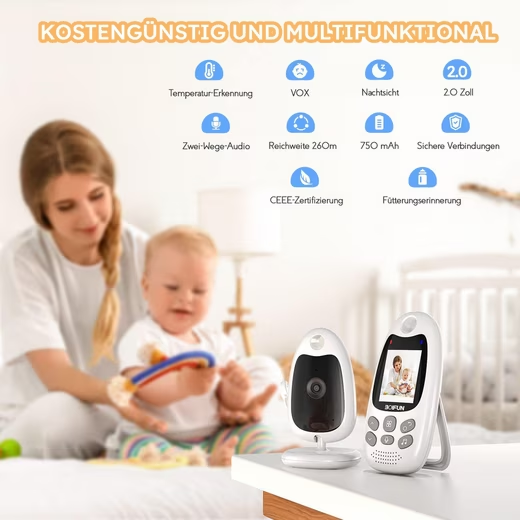
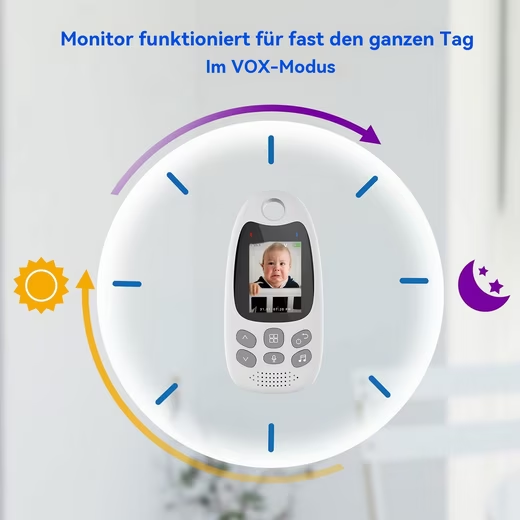
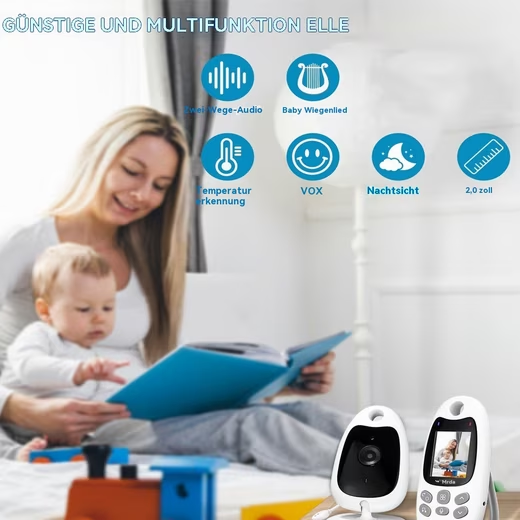
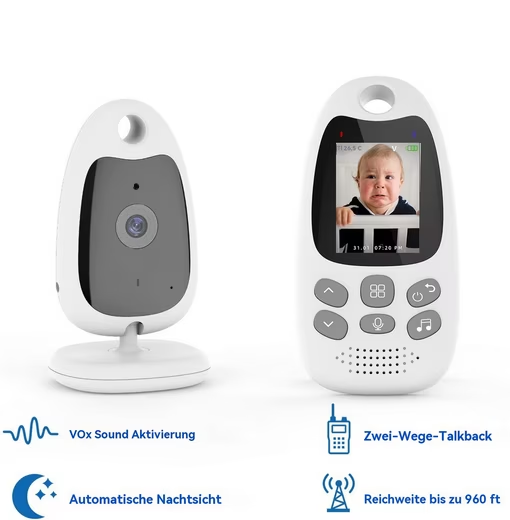
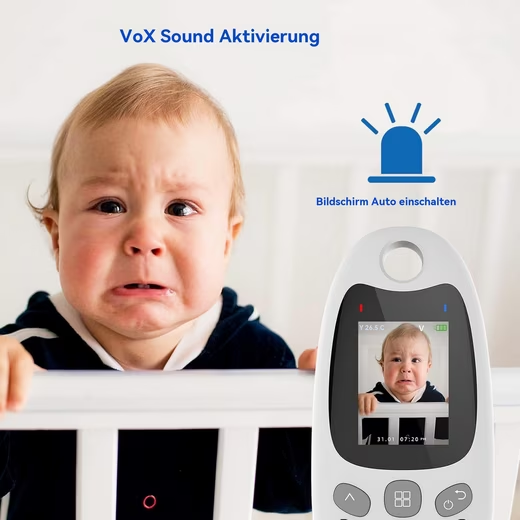
VOX function
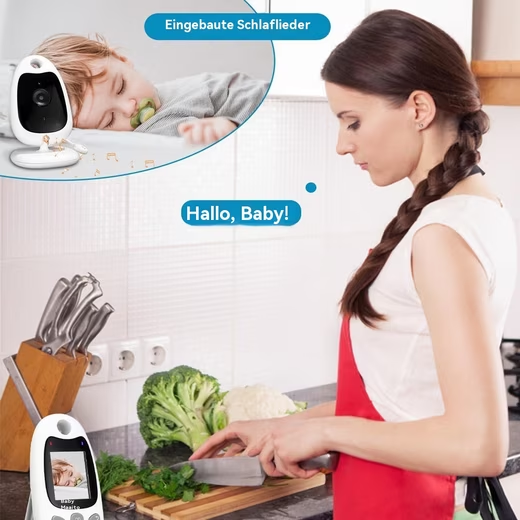
- In VOX mode (with adjustable sensitivity), our video baby monitor automatically switches to standby mode to save power. The screen activates automatically when there is sound in the baby’s room.
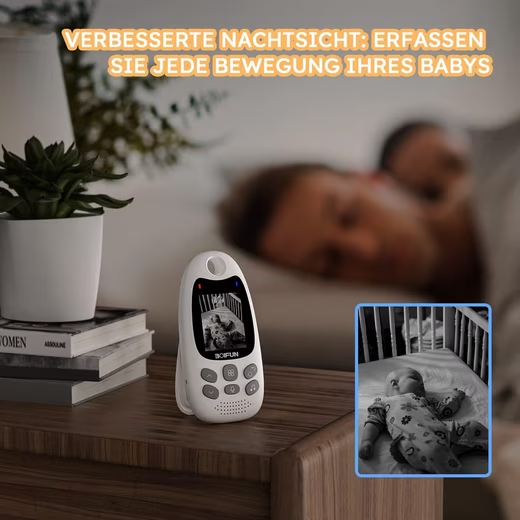
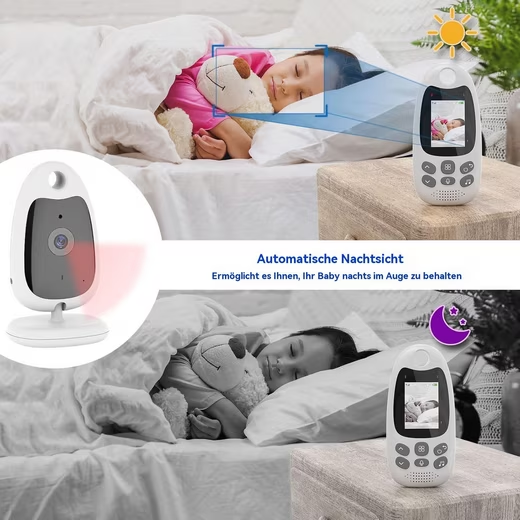
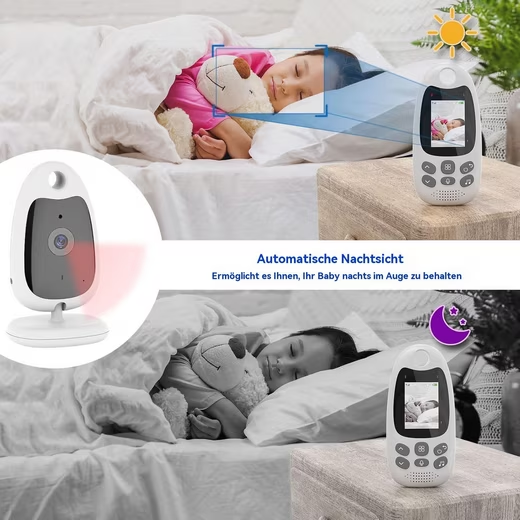
Infrared night vision
- The 8 built-in infrared lights of this baby camera allow you to monitor your children in the dark, because the infrared light it emits is very fine and does not disturb you, but even helps you to relax and avoid the fear of the dark.
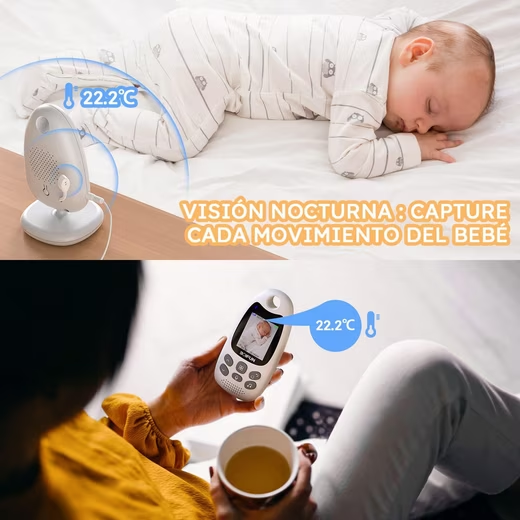
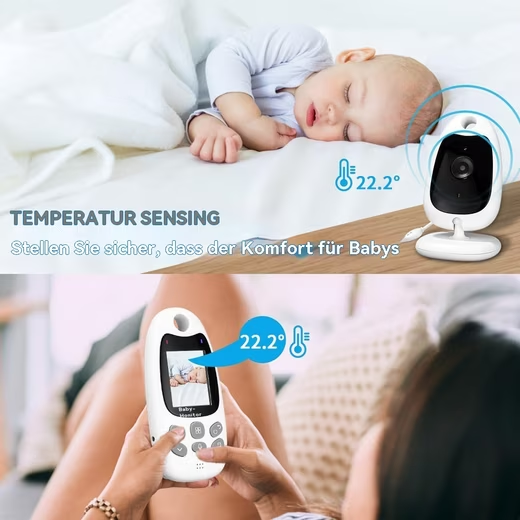
Temperature monitoring
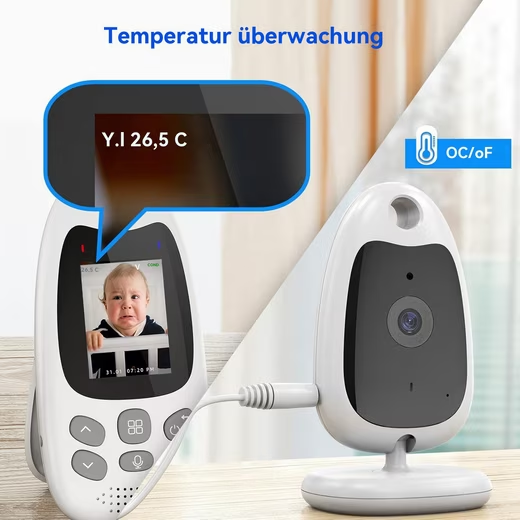
- When the weather changes, the temperature detection function helps you to detect your baby’s ambient temperature to ensure that your baby is in a comfortable environment.
Feeding reminder
- Depending on your own schedule and your baby’s feeding needs at different stages, you can set your own flexible feeding reminders and time intervals to achieve a healthy diet for your baby.
Long battery life
- This baby monitor is powered by a rechargeable 750mAh lithium battery, which, when fully charged, provides up to 10 hours of use in VOX mode and up to 5 hours in operating mode with the screen constantly illuminated. Thanks to the long battery life, you can ditch the charging cable and be free to do your own thing.
Music player (Click)
- Press the music player button to turn on the music player and play a lullaby on the baby unit: Press the music player button again to turn it off.
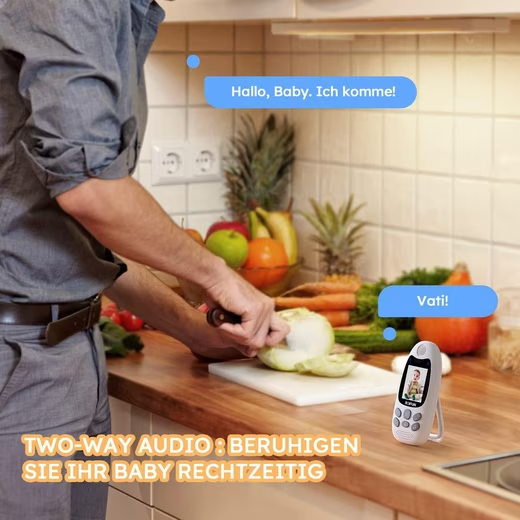
Voice function
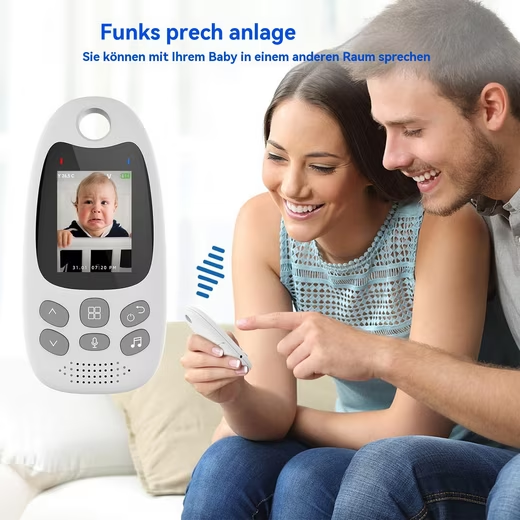
- Press and hold the PTT button on the parent unit to speak to your baby through the baby unit’s speaker. A microphone icon will appear at the bottom of the screen.
Adjust the volume
- Once the video connection is successful and the device is in the monitoring interface, press the “Down” button to decrease the volume or the “Up” button to increase the volume. The display will show the current volume level for 3 seconds.
Product specifications:
Screen
- LCD size: 2.0 inches
- Supported resolution: 176×220 pixels
- Receiver sensitivity: -90dBm
- Current consumption: 200mA
- Battery: 750mAh Li-Polymer
- Power supply: 5V/1000mA DC
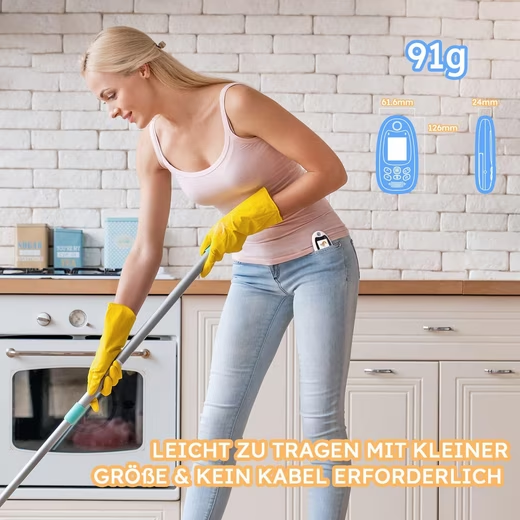
- Dimensions (W x H x D): 61.6 x 126 x 24 mm
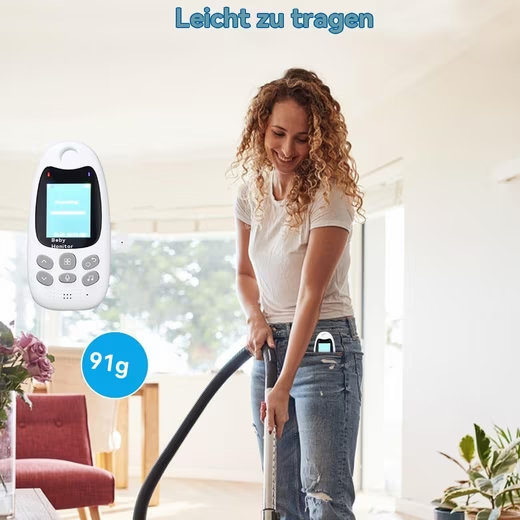
- Weight: 0.091 kg
Camera:
- Image sensor: CMOS
- Total pixels: 640 x 480pxl
- Minimum illuminance: 0 lux (IR on)
- Night vision range: 15 FT (5m)
- Viewing angle: Diagonal 70°
- Power consumption: 200mA
- Power supply: 5V/1000mA DC
- Dimensions (W x H x D): 62 x 110 x 60 mm
- Weight: 0.065KG
Package includes:
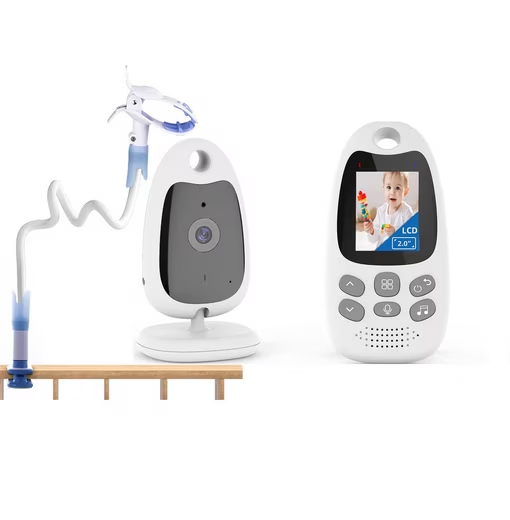
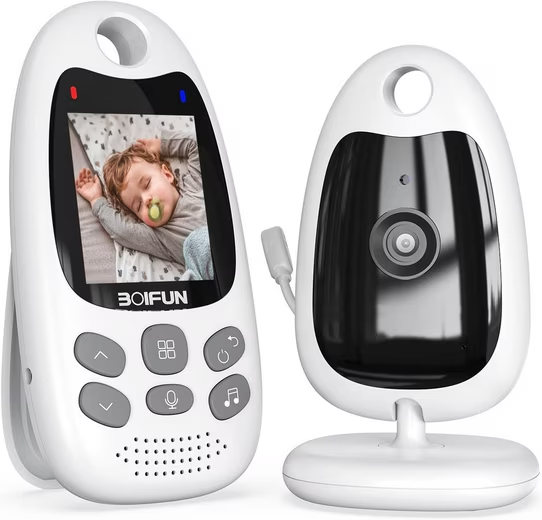
- 1 x Monitor
- 1 x camera
- 1 x bracket
- 2 x power adapters
- 1 x User manual
Instructions for use:
1. Power supply unit for the baby unit
- 1) Connect the small plug of the power supply to the baby unit and the other end to the wall socket.
- NOTE: Only use the supplied power adapter. 2) A blue indicator light will illuminate when the baby unit is running (except in night vision mode).
2. Power supply for the parent unit
It is recommended to fully charge the parent unit before use. This allows the device to operate on battery power in the event of a power outage.
- 1) Connect the plug of the power adapter to the parent unit and the other end to the mains socket.
NOTE: Only use the supplied power adapter.
- 2) The power indicator LED lights up, which means that the battery is starting to charge.
- 3) Press and hold the power button for at least 3 seconds to turn on the parent unit.
3. Using the baby monitor
1) Setup
- Place the baby unit in a suitable location (e.g., on a table) and point the camera lens at the area you wish to monitor. Adjust the baby unit until you are satisfied with the image displayed on the parent unit.
A notice:
- Do not place the baby unit within the baby’s reach! If picture or sound disturbances occur, try placing the devices in a different location and ensure they are not near other electrical appliances.
2) Pair camera
- The enclosed baby unit has already been registered. You do not need to register it again unless the baby unit loses connection to the parent unit. For more information, see section 6.2 Camera Registration.







Reviews
There are no reviews yet.